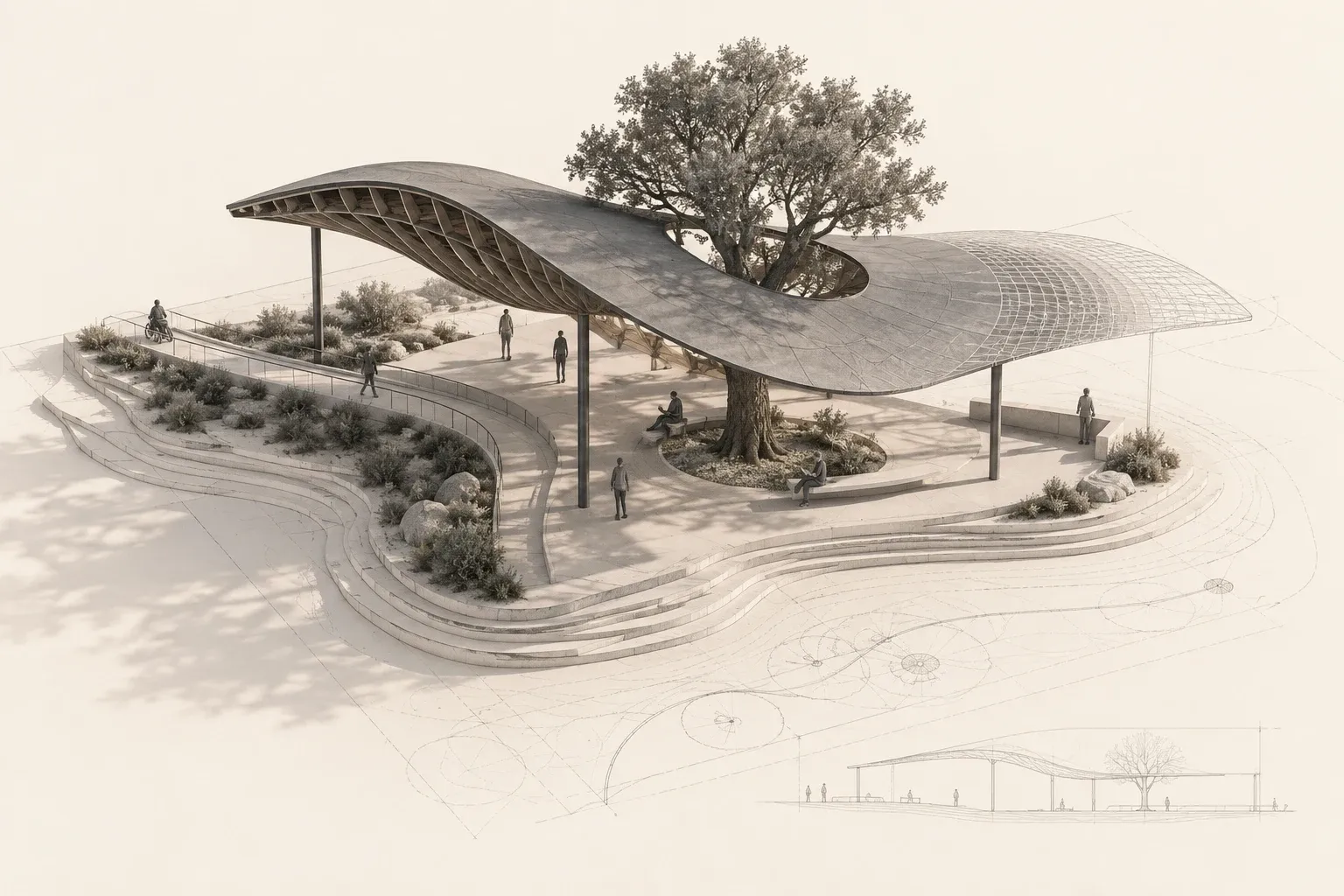
When AI finds the form
GPT-6 Astra brings AI agents into the modeling process. An introduction to LLMs, diffusion and the architectural decisions behind a convincing form.
Read articleEssays on architecture, design methods and the tools we work with.
No matching articles.
GPT-6 Astra brings AI agents into the modeling process. An introduction to LLMs, diffusion and the architectural decisions behind a convincing form.
Read article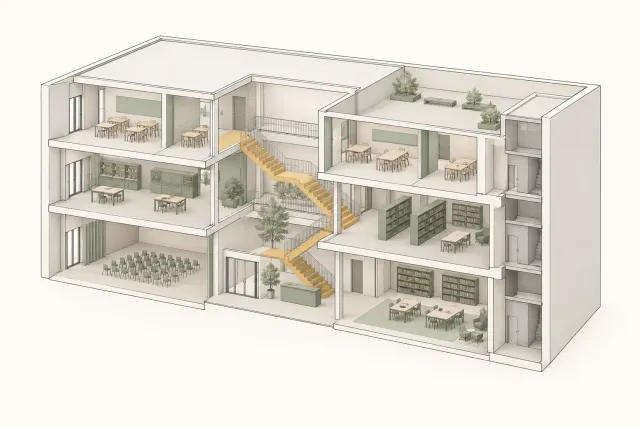
A line can make a relationship visible and leave another out. Reading programme, circulation and section through Seattle Central Library.
Read article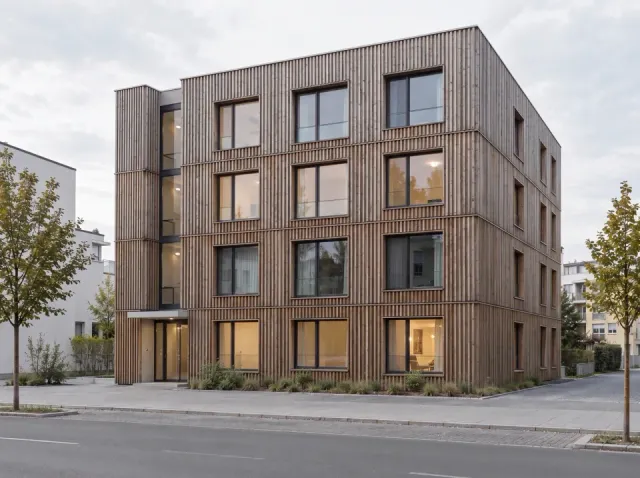
A revised image, a moved wall and a changed parameter preserve different things. A method note on making continuity inspectable.
Read article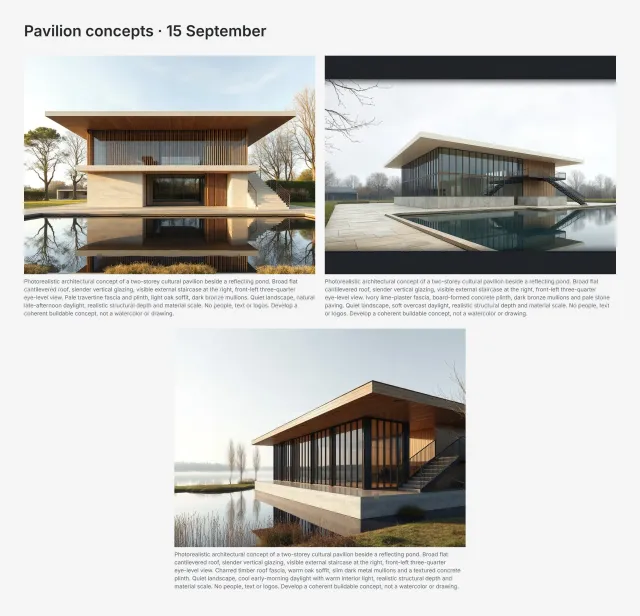
An Archly trial with stone, plaster and timber: the prompts, the alternatives and what changed between them.
Read article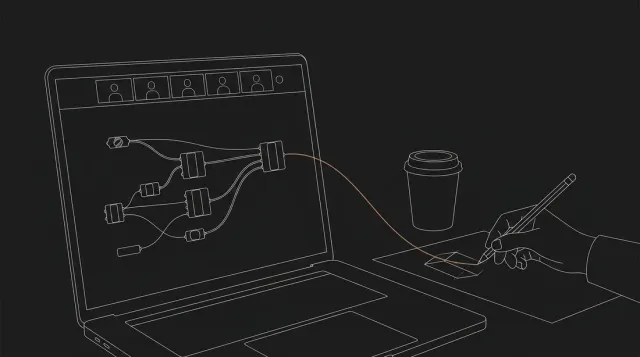
AU, ACADIA and SIGGRAPH Asia raise different questions about office tools, computation and visual workflows.
Read article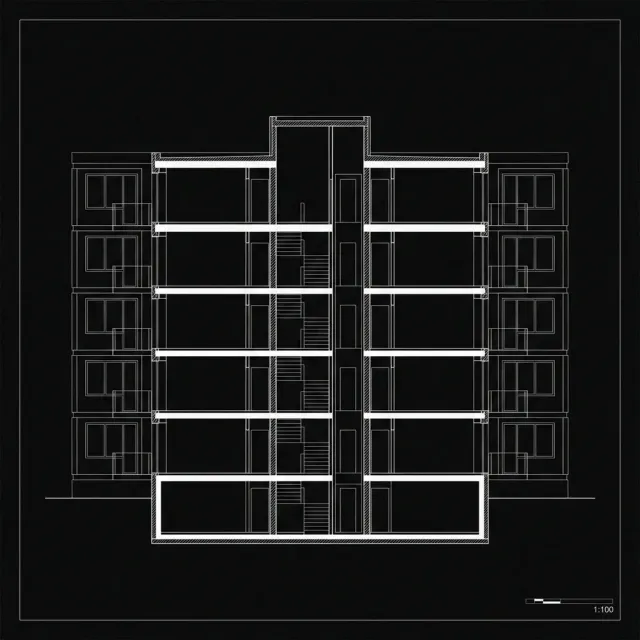
A model can open successfully and still lack the information its recipient needs. A small IDS trial makes that gap visible.
Read article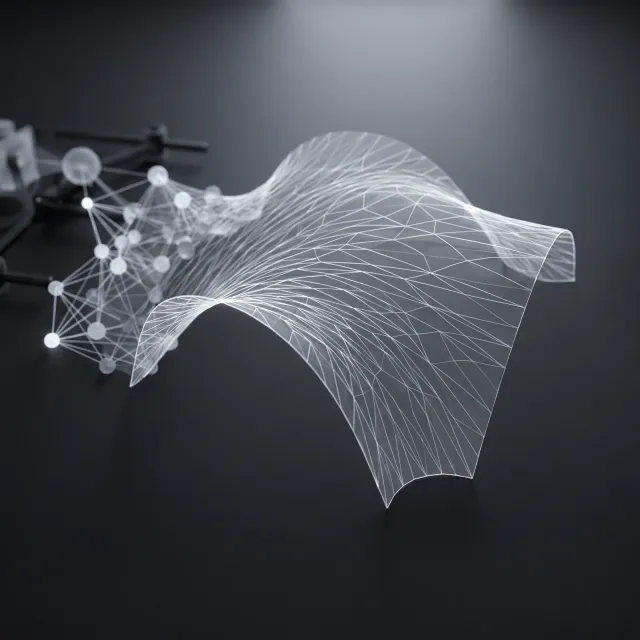
A useful design assistant must work with units, object relationships and changes that a designer can inspect.
Read article A material study becomes useful when its images answer one question and the accepted change returns to the project.
Read article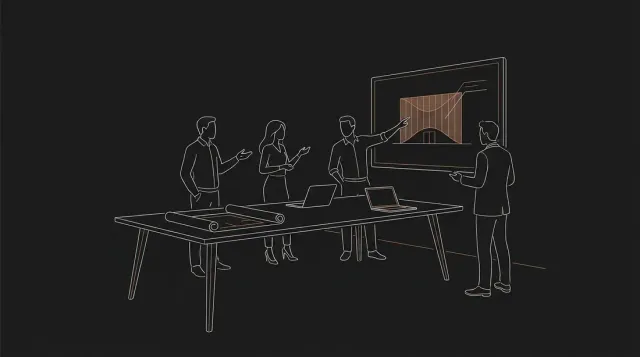
A small pilot should leave the team with a repeatable method, a review routine and an example it can maintain.
Read article
A detail is more than a file. Its project, revision and design assumptions determine when it is useful.
Read article
A published Blender example shifts the question from image quality to the continuity of a design through revisions.
Read article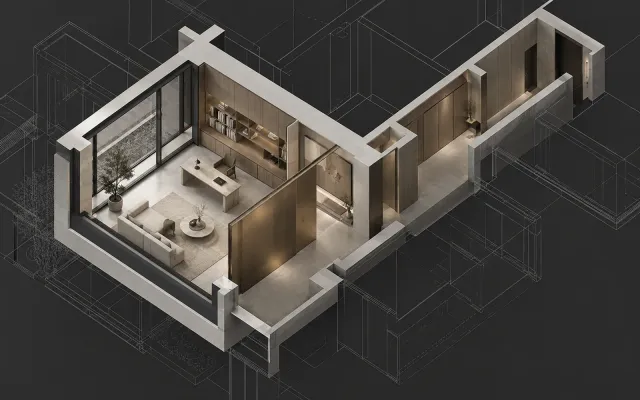
Our working research prototype explores how an assistant can understand the definition a designer is already using.
Read article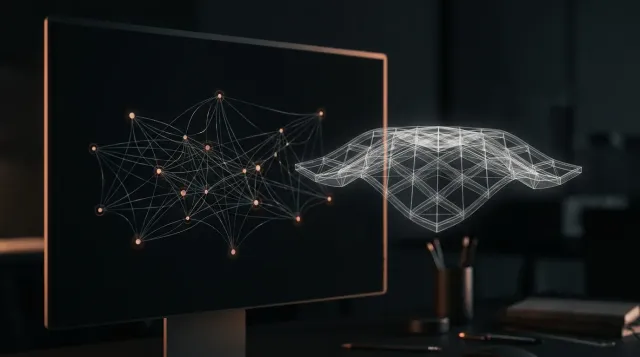
Our Grasshopper plugin connects a written request to Rhino geometry or Python code, using your own Anthropic API key.
Read article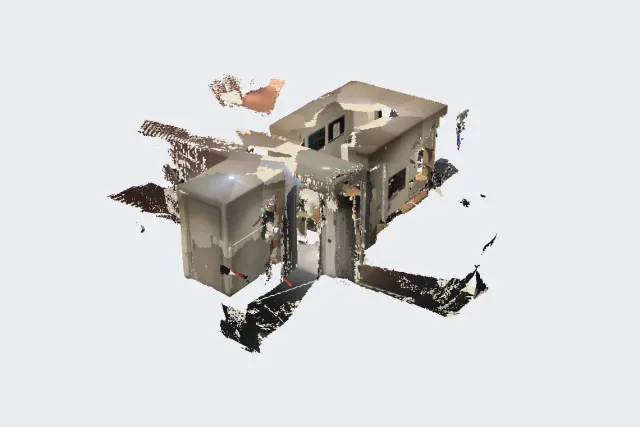
Development notes on separate floor-plan and 3D captures, plan editing and files for the next design task.
Read article Four review questions help keep an atmospheric image connected to the design it is meant to explain.
Read article Names, units, examples and failure messages determine whether another designer can continue a useful script.
Read article Room capture becomes useful when its purpose, missing information and export checks stay with the model.
Read article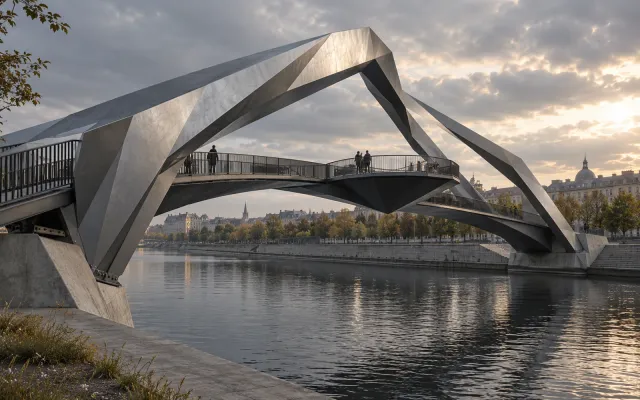
Branching geometry starts a structural question. A reproducible study needs loads, supports, comparisons and fabrication decisions.
Read article
Start with a sketch or reference, define one visual change and inspect the result before developing it further.
Read article
From beta to the current workspace: linked revisions, visual comparison and continuing a selected result on one canvas.
Read article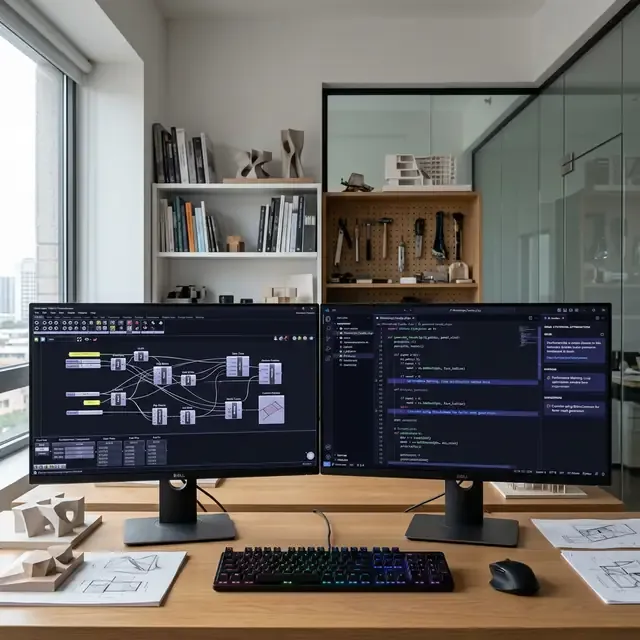
A useful review preserves the input and output contract, explains a proposed change and checks its behavior in Grasshopper.
Read article
Nordpark’s roof shells hold a formal family together across different sites. Their continuity raises questions at the scale of the joint.
Read article
A useful plugin library starts with a recurring problem, a small test definition and a clear owner.
Read article
Graph2Plan and HouseDiffusion offer two ways to make room relationships part of generation. What should a designer check?
Read article
A note on o3-mini and two proposed review exercises: separate the evidence, assumptions and questions that remain open.
Read article
The Barclays Center facade offers a lesson in carrying information from the model through fabrication and assembly.
Read article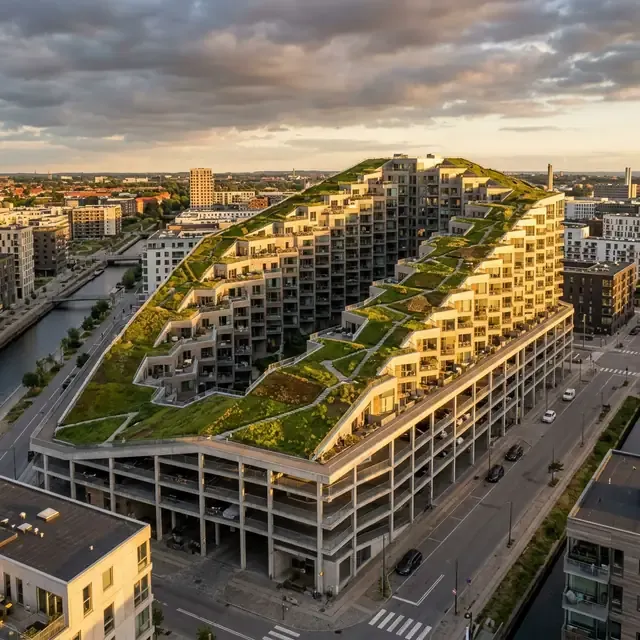
Housing and parking meet in one sloping section. The Mountain shows how a clear diagram can make a design choice readable, while leaving other questions open.
Read articleSelected gatherings in architecture and design technology.
More articles, videos and project notes.
In-depth articles on architecture, computation, and AI research.
Tutorials, walkthroughs, and behind-the-scenes studio content.
Professional updates, project announcements, and industry insights.
Visual stories from studio life, design process, and project snapshots.