Project knowledge
- Project archives
- Office standards
- Material libraries
- Decision records
Connect your project information with the tools your team uses.
We work with architecture and design teams to prototype one useful workflow, test it with project material and teach the team how to use it.
Discuss a pilotFind the source. Use the right tool. Show the reference.
A draft, its sources and the changes to check.
Data access, hosting and tool compatibility are defined for each pilot.
Start with a recurring task or a handoff that slows the team down. Together, we agree what to try and how to assess the result.
Tool compatibility, data access and model choice are checked for each pilot.
Three starting points, each tied to a specific part of a project.
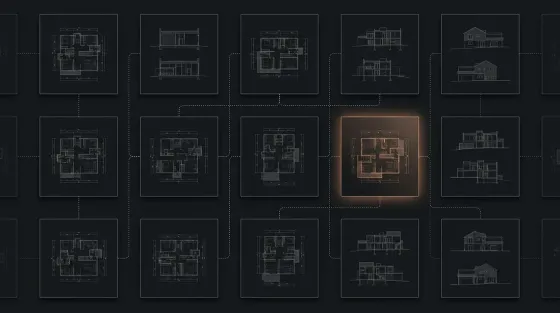
Explore visual alternatives using your sketches and presentation references. Compare the results with the design team before preparing a board layout.
A visual study and a board draft for review.
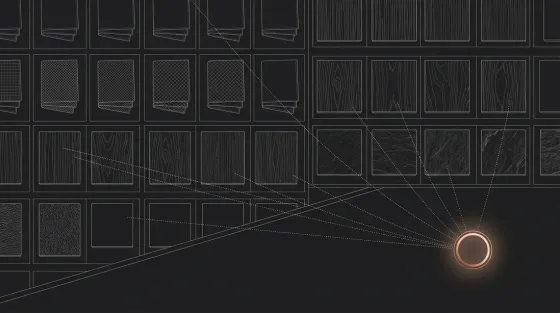
Organize supplier information and past specifications into a searchable archive. Draft a material shortlist from selected references, with links to each source.
A material shortlist with source references.
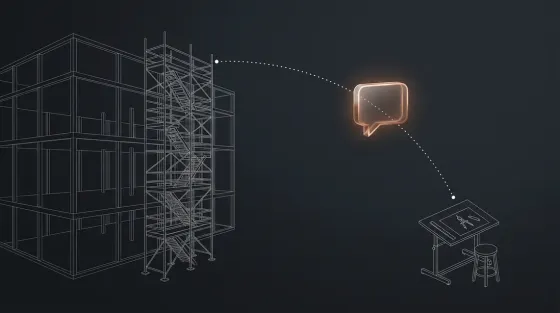
Test a link between site questions and approved project documents. Put the drawing reference, revision and responsible reviewer next to the answer.
A referenced answer awaiting team approval.
An illustrated Telegram scenario. The communication channel can change; the reference and approval steps matter.
“Is this the right railing detail for block B?”
Search the approved project folder for the relevant drawing and specification.
Return the source and revision date. Ask the project architect to confirm a changed detail.
Save the team’s approved answer with its project references.
Example workflow. Document access, revision handling and approval rules must be established before use.
We agree on one task, build with real project material and review the result together.
Map the current workflow, choose a useful task and define how the pilot will be evaluated.
Connect suitable tools in a prototype for the agreed task. Test its outputs and limitations with your team.
Run a team session and document the workflow. Agree separately on further support.
A repetitive task, a difficult handoff or an archive you want to use better. Let’s start there.