Presenting AI images with a clear purpose
Four review questions help keep an atmospheric image connected to the design it is meant to explain.
An AI image can make a project easier to discuss while leaving important decisions unresolved. Before adding it to a presentation, we ask what the audience should learn from it. A material study, a spatial proposal and a finished-project image carry different expectations.
Four questions before presenting
- Does the building still match? Compare storeys, openings, proportions and context with the source drawing or model. Note changes the tool introduced.
- What stage are we showing? Name the study and the source revision, so a viewer can distinguish an exploration from an agreed design.
- Which details need design work? A convincing joint, drainage edge or support in an image still needs to be resolved in the project.
- What helps the audience check it? Pair the image with a plain view, plan or section that explains the relevant spatial decision.
Keep the question beside the image
For a cladding comparison, describe the intended material change and any geometry that should remain. If the generated alternatives also change the openings, say so during the review. The team then knows which preferences need another test.
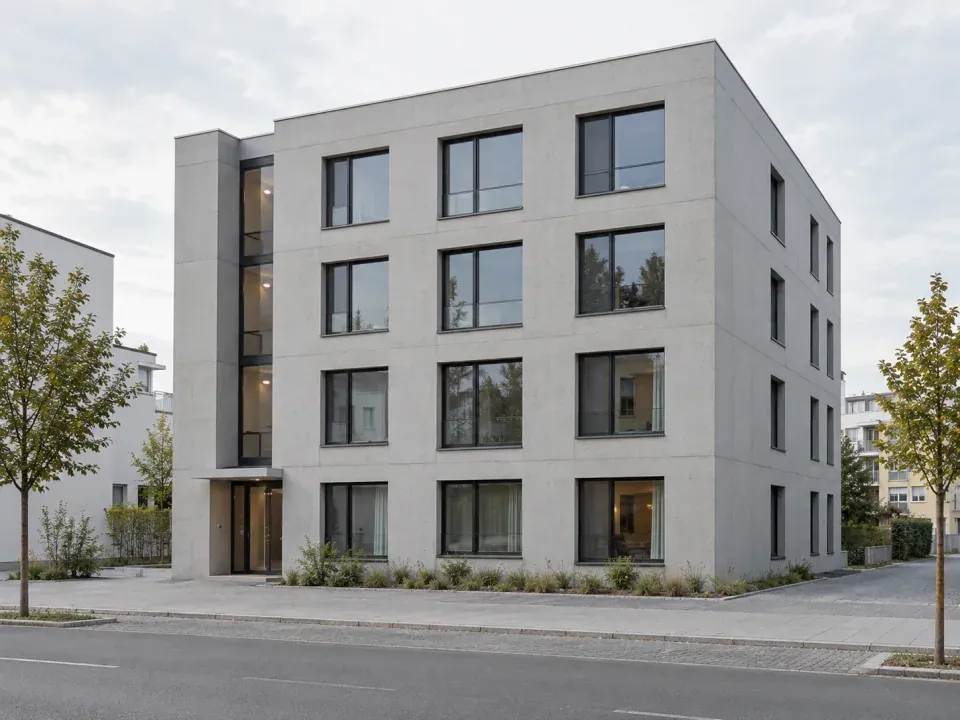
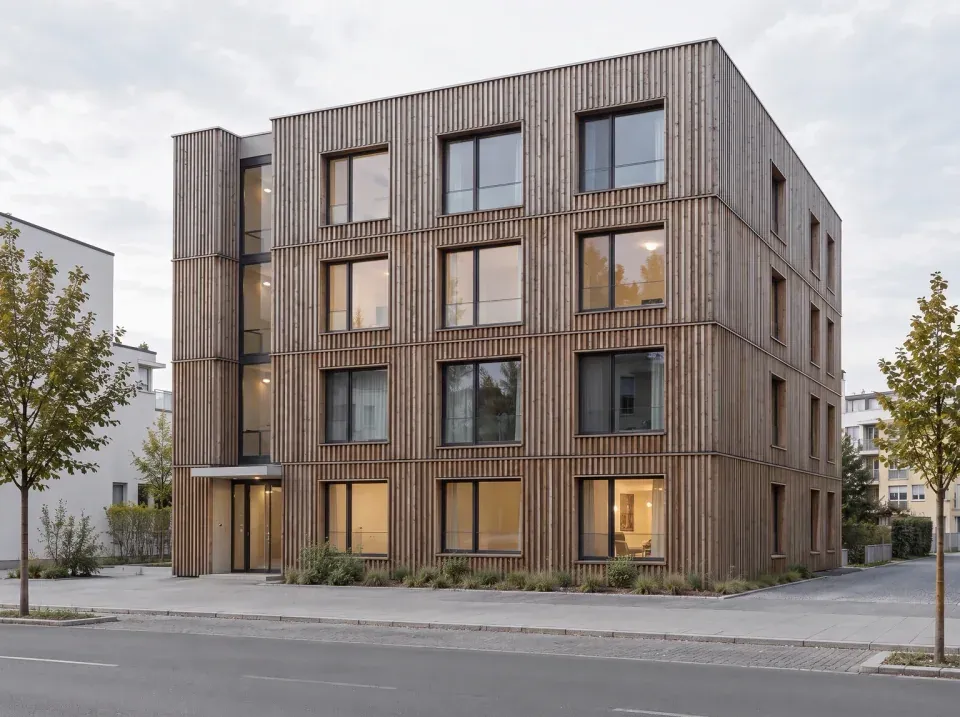
We want each image to leave the team with a clearer design question.
Our aim is an understandable conversation about the next step. Keep the chosen image with the reference and decision note; bring accepted spatial changes back into the authoritative drawing or model. The image earns its place when it helps a designer or client make a clearer decision.