GPT Image 2 in an Archly workflow
Start with a sketch or reference, define one visual change and inspect the result before developing it further.
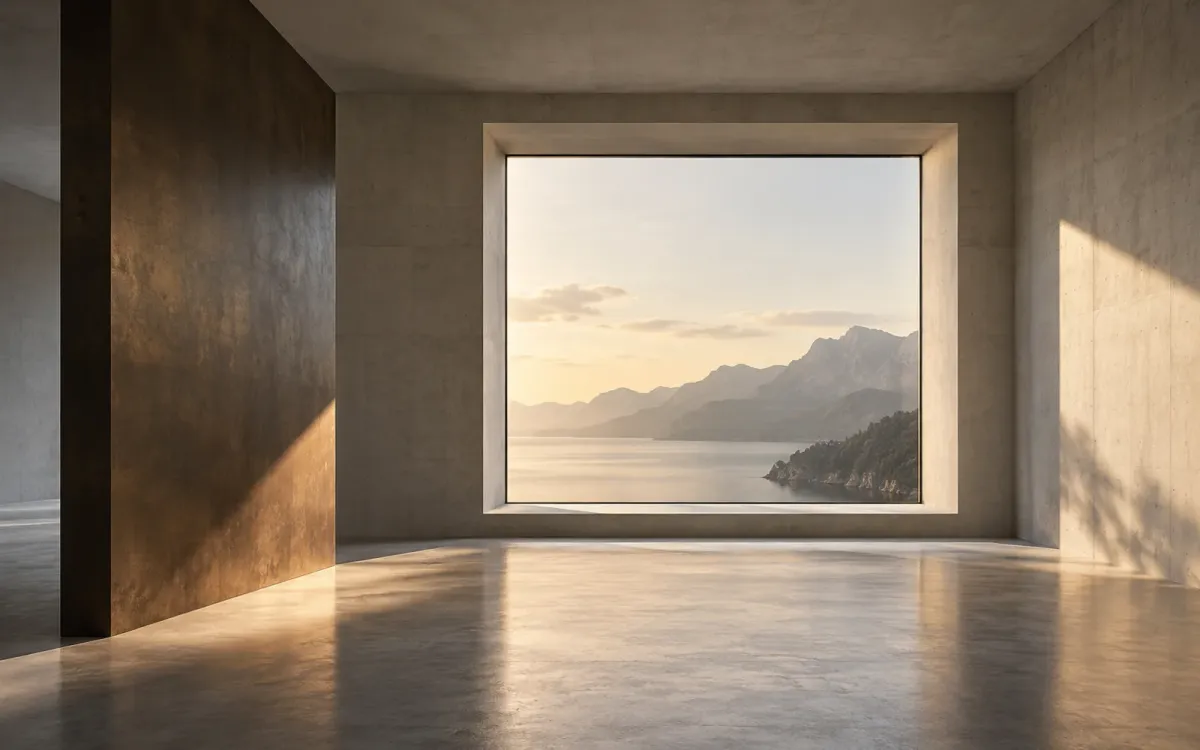
GPT Image 2 is available among Archly’s image generation and editing models. In the node workspace, sketches, references and generated outputs can sit together. The model is one part of the study; the visual question gives it direction.
Begin with a design question
Choose a task such as testing a facade finish, an interior atmosphere or a concept presentation. Supply an image that shows the relevant geometry. Describe the intended change and identify the proportions, openings or objects that should remain.
Keep the original reference close to the alternatives. This makes it easier to explain the request to a colleague and compare the result with what was actually supplied.
Review the change
- Check whether the intended material or atmosphere is visible.
- Inspect openings, proportions and details for unintended changes.
- Separate a useful visual suggestion from a decision that requires model or drawing work.
A generated daylight image is a visual study. Environmental performance needs the appropriate analysis; a convincing facade detail still needs design development.
Carry forward a chosen direction
Save the useful alternatives and note why one is worth developing. Bring accepted geometric changes back to the project, then use a fresh reference for the next image study.
We want Archly to support that relationship between input, alternative and decision. Current model choices are available in the live product; this note describes a way to use them thoughtfully.