The Assistant reads the cards you choose
The canvas Assistant now offers seven models, reads up to four connected images and the cards selected with it, and names that context on the card.
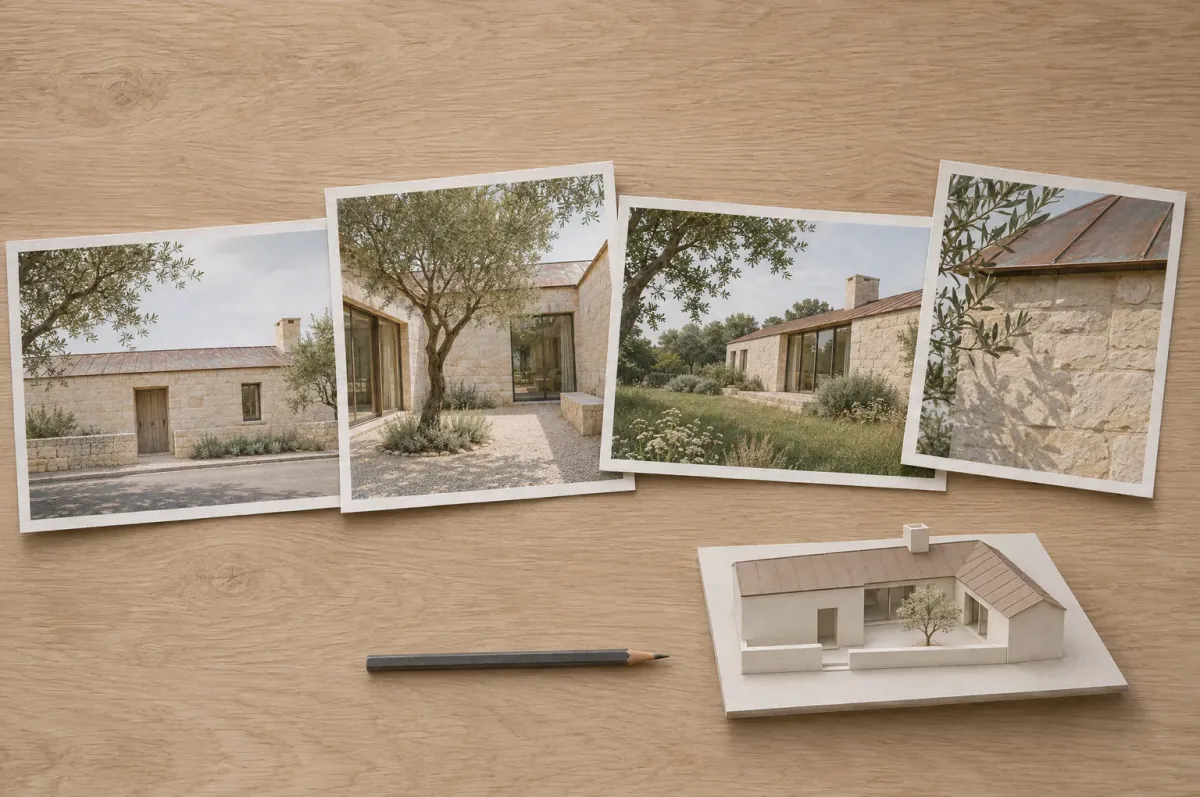
The Assistant is the conversation card on Archly’s canvas. You write to it about a brief, a view or a set of options, and when its reply holds several prompts, they arrive as a list: a generator wired to that list makes one image from each. Two releases this week changed which model answers and how much of the canvas it can see.
Seven models
Since 4 November the card’s model picker offers seven models: Claude Haiku 5.5 (the default), Claude Sonnet 5.5 and Claude Opus 5.5, then GPT-6 Luna, GPT-6.1 Terra, GPT-6.1 Sol and GPT-6 Astra. Each carries a short note on what it suits, from fast prompt refinement to careful reading and planning, and the picker shows what a call costs before you choose one.
Several images, and the cards you select
Since 6 November the Assistant reads every image wired into it, up to four per message, in the order they are connected; the same picture wired twice counts once. That helps with questions that need a comparison: which of three facade options keeps the rhythm of the original, or what changed between two rounds of an interior.
Selection now counts as context too. Select the Assistant together with other cards and their text and pictures travel with your message, alongside what is wired in. Notes stay out, and so does everything downstream of the Assistant, so a render made from its own prompts is not read back to it. Pictures that are not stored in Archly are left out as well.
The card says what it reads
A short line on the card names that context before you send, for example Context: 1 connected · 2 selected · 3 images. When more than four images are in play, it adds that the first four are read, and pointing at the line explains how selection works.
An answer from the Assistant is a reading to weigh against the drawings, not a check of them. With its context named on the card, it is easier to see what an answer was based on, and to change that before the next message.