On the canvas, a card keeps its recipe
Each run now lands beside its card as a result card, and Find objects turns a picture’s objects into cards for your own product or sample.
Until this week, running an edit on Archly’s canvas turned the card into its latest picture. The markers, the found objects, the note and the settings were still saved, but out of sight, and the next round started from an image rather than from the way it was made. Since 14 November the card stays the recipe.
The recipe stays, the results line up beside it
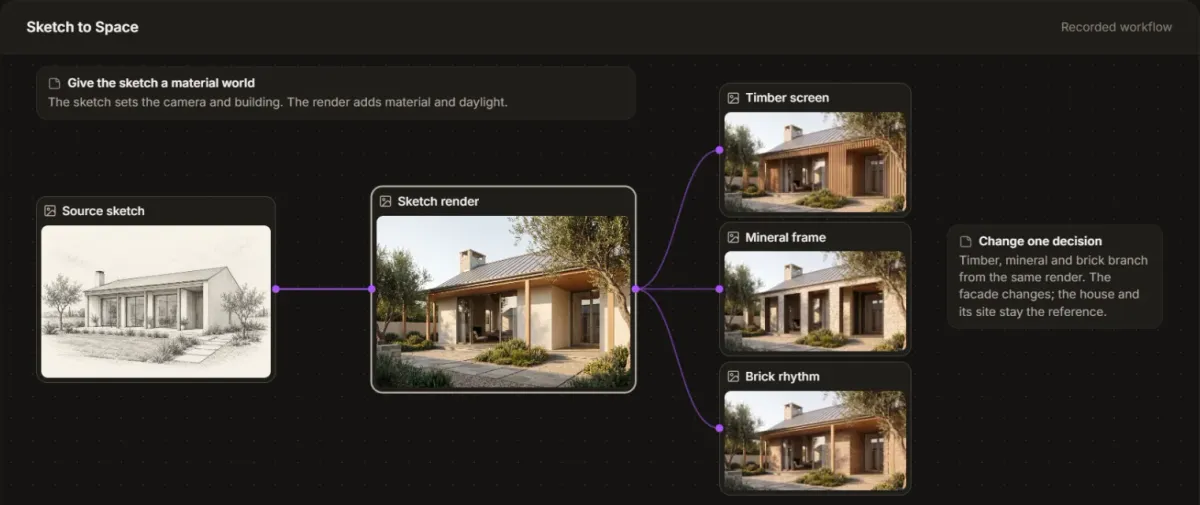
Edit, Layers, app and Image Generator cards now keep their source, numbered markers, found objects, references, note, model and settings after every run, with Generate still in place. Each picture a run delivers becomes a result card of its own to the right of the recipe, numbered Result 1, Result 2 and onward across runs, and a later run’s results line up under the earlier ones. A result card is a fixed record of its picture, prompt, source and model; later runs do not change it.
Choosing Edit on a result opens a new card wired from that picture. After a Layers edit, the new card carries the same objects with the same numbers, and the markers that run applied show as done, so a second round does not begin by finding everything again. Results that arrive while the tab is closed become cards the next time you open the project.
Objects become cards
On a Layers card, Find objects now lays out every object it finds as a small card under the picture, with its cut-out, name and number. Wire your own product into an object card, the chair you are specifying for example, or a material sample: an upload, a picture from your library or a swatch from the material library. Combine on the Layers card then applies every changed object in one run, each marked on the picture with its reference, and the result lands beside the card like any other. The object cards stay for the next round.
A product placed this way is a visual proposal. Size, colour and pattern scale are approximate and the exact item is not guaranteed, so the specification stays in the drawings and the schedules.